
Inhaltsverzeichnis
Checkliste
offene Sonden
- Sondeninformation auf allen drei Seiten checken
- Topo-Karte checken und gleich die beste Anfahrt plannen
Paintner Forst
https://radiosondy.info/sonde_archive.php?sondenumber=X3452763 35m ÜG
https://radiosondy.info/sonde_archive.php?sondenumber=W1236544 270m ÜG
Riedenburg
Kallmünzer Eck
https://radiosondy.info/sonde_archive.php?sondenumber=T3021052
https://radiosondy.info/sonde_archive.php?sondenumber=W1220080
Trup
Burglengenfeld
Gesichtet / Kontrolle
Pfraundof
https://radiosondy.info/sonde.php?sondenumber=V3331354
Markstetten
https://www.wettersonde.net/map.php?sonde=V3220500
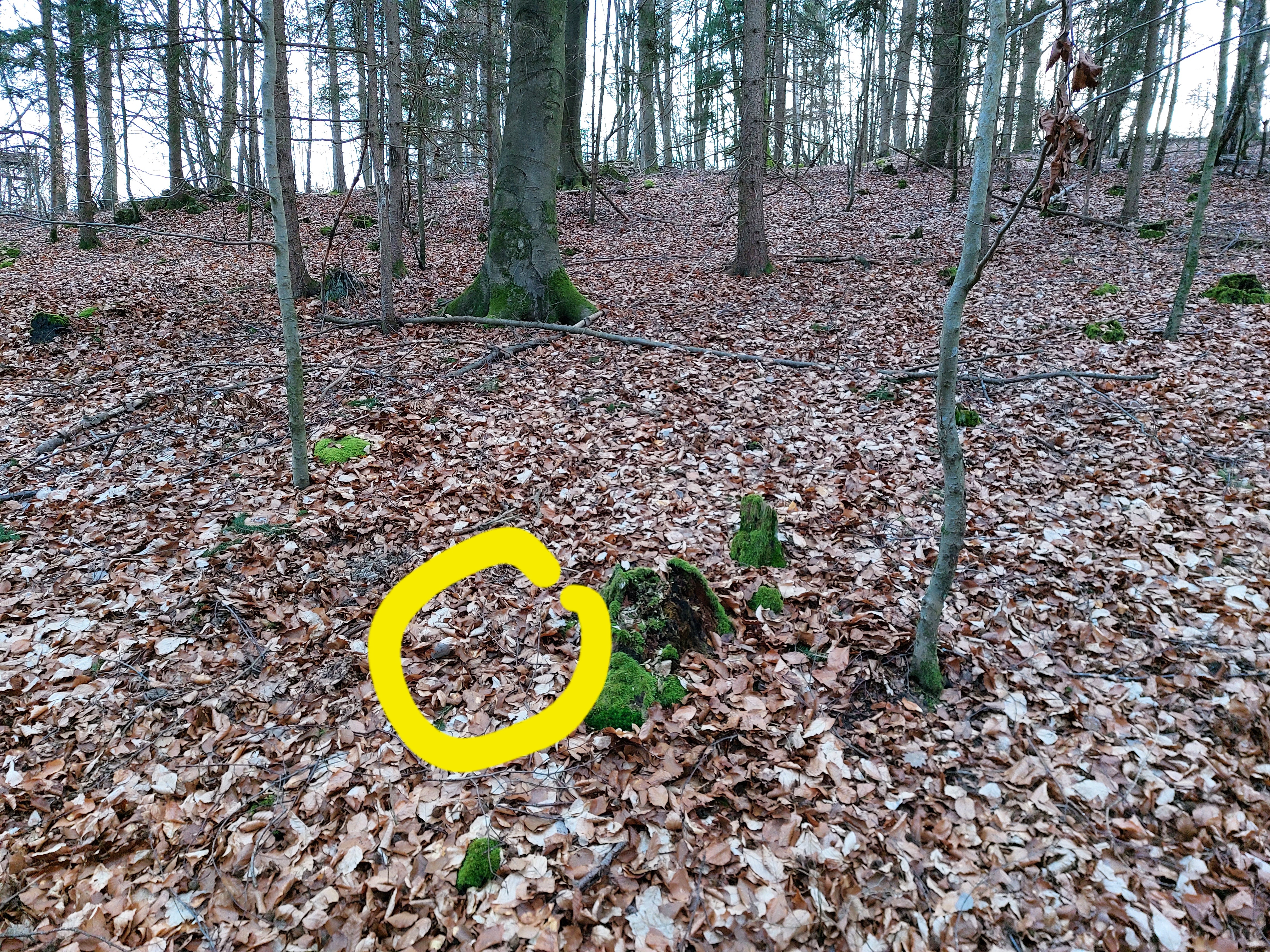
Landepunkt 49.19069 11.87553
Schirm 49.19080 11.87586
Eutenhofen
https://radiosondy.info/sonde_archive.php?sondenumber=V3751052
Schnuhof mit Angel
https://radiosondy.info/sonde_archive.php?sondenumber=D25017142
https://radiosondy.info/sonde_archive.php?sondenumber=D25004124
Hexenagger
https://radiosondy.info/sonde_archive.php?sondenumber=W1236538
Im Herbst nochmal versuchen
Etterzhausen
https://radiosondy.info/sonde_archive.php?sondenumber=R2751058
Neumarkt (Schirm gefunden)
https://radiosondy.info/sonde_archive.php?sondenumber=U1620895
Wenzenbach
https://radiosondy.info/sonde_archive.php?sondenumber=U3270712
Verschlüsselte Sonden
Laut HP9000 senden die Sonde im Abstieg nicht mehr.
je Frame ca. 1 Sekunde, Offset bei Start beachten Frame 4700 ~ 17000m
- 2000m 110dB 28km
- 4000m 103dB 29km Handfunke
- 7000m 98dB 32km
- 10000m 93dB 30km
- 14000m 90dB 30km
- 19000m 91dB 41km
- 22000 91dB 56km Handfunke-o
- 26000 95dB 90km Handfunke-o
Sondenliste
Suche Umkreis 90km um Neumarkt Lost, Achtung und Unbekannt
Links
KML zu GPX Converter
https://mygeodata.cloud/converter/
Befehl zum checken auf Sondehub
https://api.v2.sondehub.org/recovered?serial=T4630010
https://gml.noaa.gov/ozwv/wvap/sw.html
— Tom 2022/04/21 09:27<olmap id=„olMapOne“ width=„850px“ height=„450px“ lat=„49.2096“ lon=„11.7509“ zoom=„10“ statusbar=„1“ toolbar=„1“ controls=„1“ poihoverstyle=„0“ baselyr=„OpenStreetMap“ gpxfile=_ckgedit_QUOTckgedit> kmlfile=_ckgedit_QUOTckgedit»
~~ Plugin olmap help.
~~ Required in the above tag are values for: id (unique on this page), width, heigth.
~~ Also you will want to enter zoomlevel and lat, lon values that make sense for where you want the map to start.
~~ Below is an example of a POI, you can add as many as you want. ~~ More examples: http://dokuwiki.org/plugin:openlayersmap
49.1386, 11.6931,0,1,marker-green.png,Gesichtet Radiosondy
49.19069, 11.87553,0,1,marker-green.png,Gesichtet Wettersonde
49.15527, 11.85199,0,1,marker-green.png,Gesichtet Wettersonde
48.92171, 11.72109,0,1,marker-green.png,Gesichtet Wettersonde
49.0364, 11.9823,0,1,marker-blue.png,Nochmal versuchen Radiosondy
49.24079, 11.42719,0,1,marker-blue.png,Nochmal versuchen Radiosondy
49.07038, 12.23822,0,1,marker-blue.png,Nochmal versuchen Radiosondy
49.0947, 11.9827,0,1,marker-blue.png,Nochmal versuchen Radiosondy
49.03130, 11.64897,0,1,marker-green.png,Gesichtet Radiosondy
48.9827, 11.8723,0,1,marker-gold.png,Versuch Radiosonde
49.15691, 11.57418,0,1,marker-red.png,Nochmal versuchen Big Shot Radiosonde
</olmap>
HP9000 Ammerthal Harald
ASG925 Ursensollen
DL5RCB Ursensollen
DL6DJ Bergstetten Dieter
DG5RCE Beratzhausen
90409 Nürnberg Andreas
DL4PET